



Inspect geometry
Rotate and section a model. Review recognised features such as holes, counterbores and T-slots, and check their dimensions.
Inspect a STEP or FreeCAD model in 3D, take measurements and organise the machining sequence in one workspace.
The workbench interface is in Italian. Files are processed in your browser, and project data stays on your device.
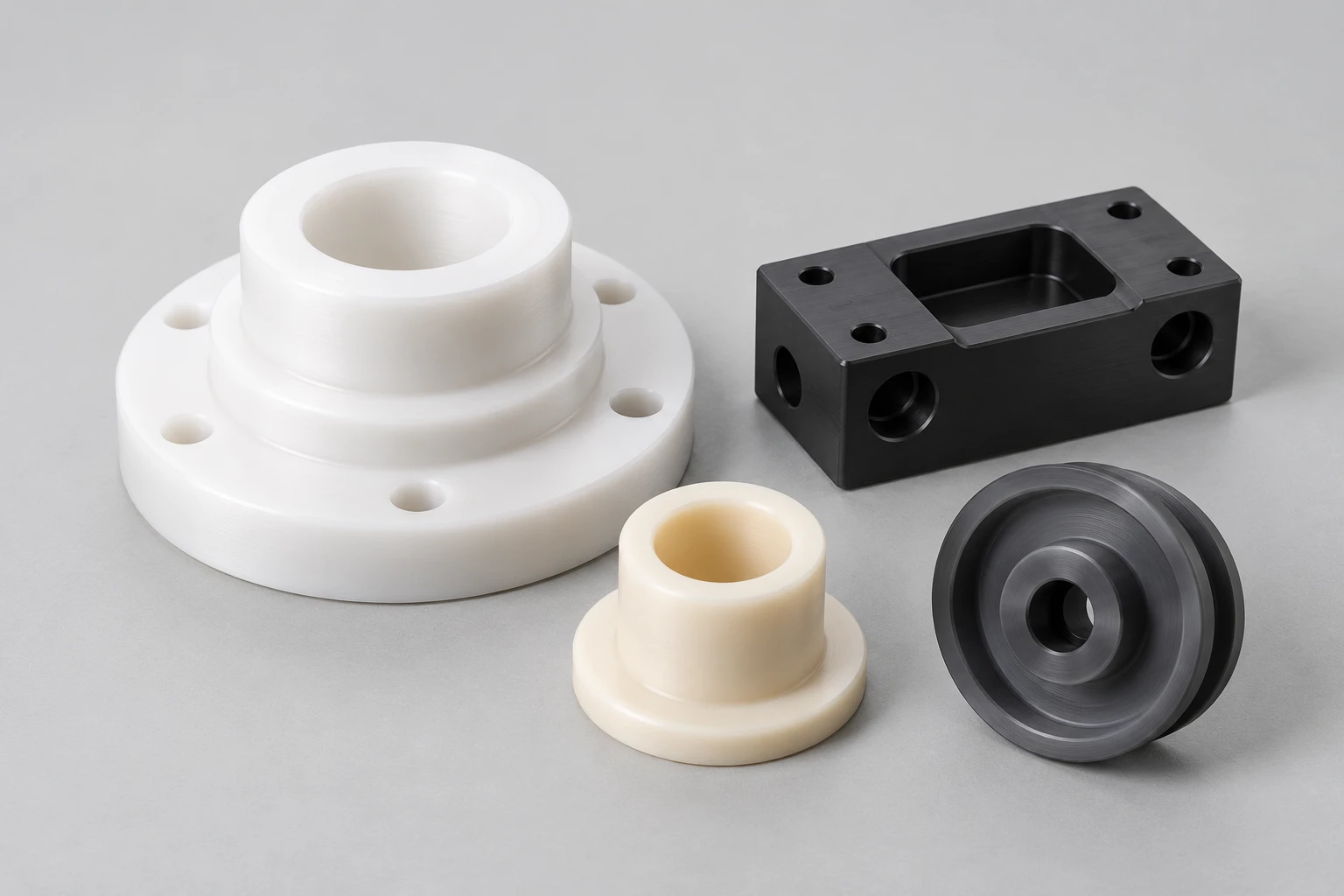
Rotate and section a model. Review recognised features such as holes, counterbores and T-slots, and check their dimensions.
Record tools and work offsets, organise machining operations and review draft Fanuc ISO programs.
Record your checks and export a backup to keep the model, setup and supporting notes together.
Check recognised features and CNC drafts against the model, setup and controller before machining.